Grow a Garden Redeem Codes for August 2026
Grow a Garden's active codes are listed below, current as of August 12, 2026. No new code has been released since May 9, 2026.
Grow a Garden Active Codes
Codes below are confirmed working as of the last check. If one stops working before we catch it, let us know in the comments and we'll move it to the expired list.
| Code | Rewards | Region | Released | Expires | Info |
|---|---|---|---|---|---|
| 1 RDC Award | Global | Sep 13, 2025 | No expiry | Fall Market Update code released for the RDC Award decoration. | |
| 1 Green Bean Chamber | Global | Sep 6, 2025 | No expiry | Fairy World Part 2 code released for the Green Bean Chamber cosmetic. | |
| 1 Whispering Torii | Global | Jul 19, 2025 | No expiry | Zen Update code released for the Whispering Torii cosmetic. |
Expired Codes
These codes have expired and no longer redeem. They're kept here for reference, so you can see what past codes offered.
Expired codesNo longer redeemable, kept for reference32
| Code | Rewards | Region | Released | Expired | Info |
|---|---|---|---|---|---|
| 500 Seeds | Global | May 9, 2026 | — | May 2026 code released with a 500 Seeds reward. | |
| 750 Seeds | Global | May 9, 2026 | — | May 2026 code released with a 750 Seeds reward. | |
| — | Global | — | — | — | |
| — | Global | — | — | — | |
| — | Global | — | — | — | |
| — | Global | — | — | — | |
| — | Global | — | — | — | |
| — | Global | — | — | — | |
| — | Global | — | — | — | |
| — | Global | — | — | — | |
| — | Global | — | — | — | |
| — | Global | — | — | — | |
| — | Global | — | — | — | |
| — | Global | — | — | — | |
| — | Global | — | — | — | |
| — | Global | — | — | — | |
| — | Global | — | — | — | |
| — | Global | — | — | — | |
| — | Global | — | — | — | |
| — | Global | — | — | — | |
| — | Global | — | — | — | |
| — | Global | — | — | — | |
| — | Global | — | — | — | |
| — | Global | — | — | — | |
| — | Global | — | — | — | |
| — | Global | — | — | — | |
| — | Global | — | — | — | |
| — | Global | — | — | — | |
| — | Global | — | — | — | |
| — | Global | — | — | — | |
| — | Global | — | — | — | |
| 3 Basic Seed Packs + 1 Exotic Bug Egg | Global | May 10, 2025 | — | Lunar Glow Event code released with seed packs and an Exotic Bug Egg. |
Redemption Guide
Pick the method for your platform. Enter each code exactly as shown and confirm the correct account and server before submitting.
- Open Grow a Garden in Roblox.
- Click the Settings gear in the top-left corner.
- Scroll to Redeem Codes.
- Enter the code in Type code here...
- Click Claim.
- Open Grow a Garden in Roblox.
- Click the Settings gear in the top-left corner.
- Scroll to Redeem Codes.
- Enter the code in Type code here...
- Click Claim.
- Open Grow a Garden in Roblox.
- Tap the Settings gear in the top-left corner.
- Scroll to Redeem Codes.
- Enter the code in Type code here...
- Tap Claim.
- Open Grow a Garden in Roblox.
- Tap the Settings gear in the top-left corner.
- Scroll to Redeem Codes.
- Enter the code in Type code here...
- Tap Claim.
- Open Grow a Garden in Roblox.
- Tap the Settings gear in the top-left corner.
- Scroll to Redeem Codes.
- Enter the code in Type code here...
- Tap Claim.
- Open Grow a Garden in Roblox.
- Select the Settings gear in the top-left corner.
- Scroll to Redeem Codes.
- Enter the code in Type code here...
- Select Claim.
- Open Grow a Garden in Roblox.
- Select the Settings gear in the top-left corner.
- Scroll to Redeem Codes.
- Enter the code in Type code here...
- Select Claim.
- Open Grow a Garden in Roblox.
- Select the Settings gear in the top-left corner.
- Scroll to Redeem Codes.
- Enter the code in Type code here...
- Select Claim.
- Open Grow a Garden in Roblox.
- Select the Settings gear in the top-left corner.
- Scroll to Redeem Codes.
- Enter the code in Type code here...
- Select Claim.
Code Rules & Troubleshooting
Each public code works once per Roblox account, so trying to redeem it twice returns an error. Expiry varies by campaign: event and milestone codes can disappear without a published deadline, while older cosmetic codes can remain usable for months. If a code above has no listed expiry, don't assume it's permanent. The Garden Game can retire it without warning.
If a code won't redeem, start by re-checking the exact capitalization and spacing. Grow a Garden codes are case-sensitive, and an extra space can make a valid code fail. Confirm the code has not already been used on that Roblox account, then try again in a public or private server before assuming it has expired.
New Code Announcements
New codes are shared through the official Grow a Garden Discord, the game's X account, Roblox group announcements, and major update events. Codes often arrive around Admin Abuse sessions, seasonal updates, or milestone celebrations rather than on a fixed schedule. The official Discord is usually the fastest place to catch a new code when it goes live.
Trailer, Screenshots & Media
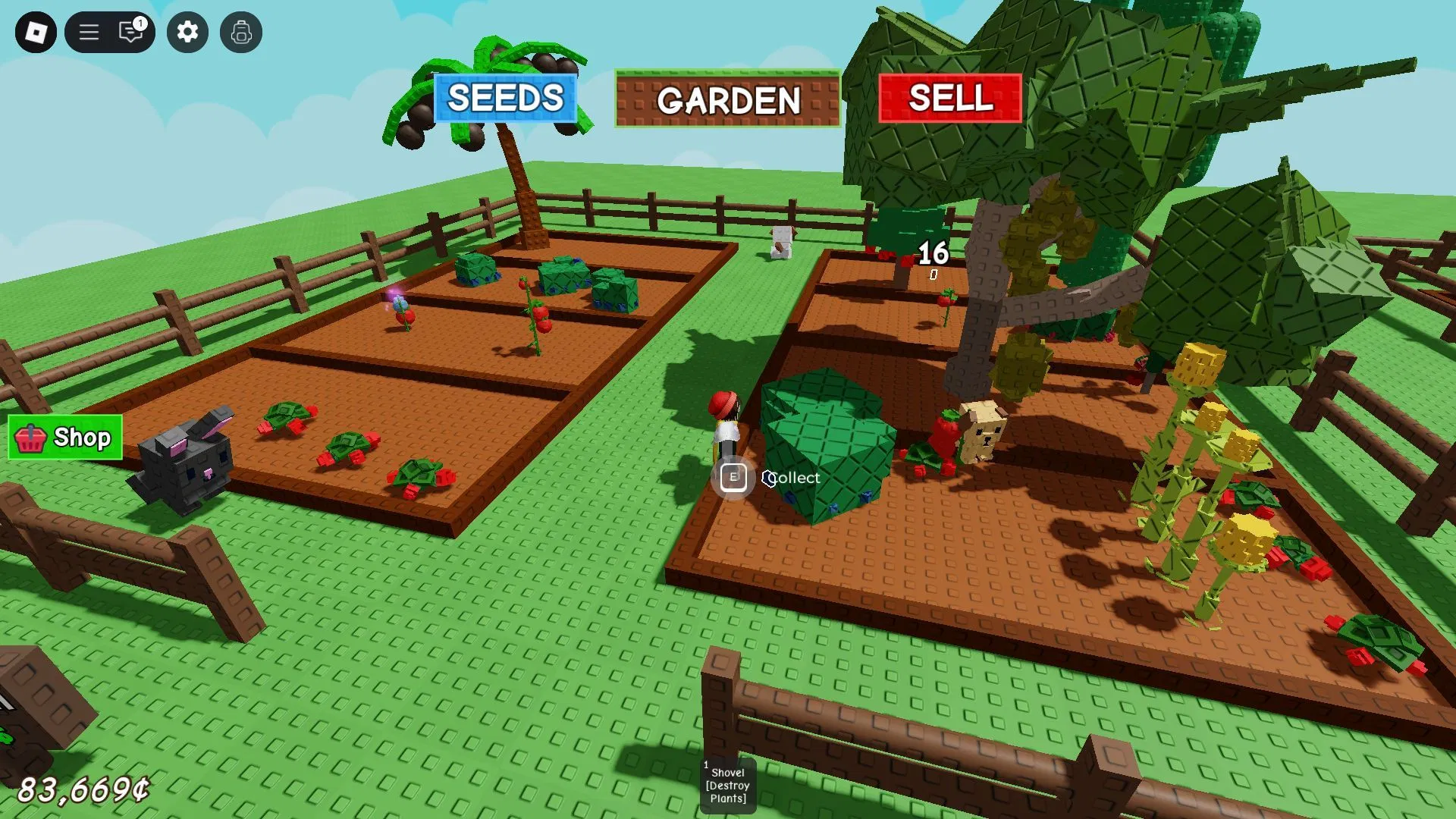
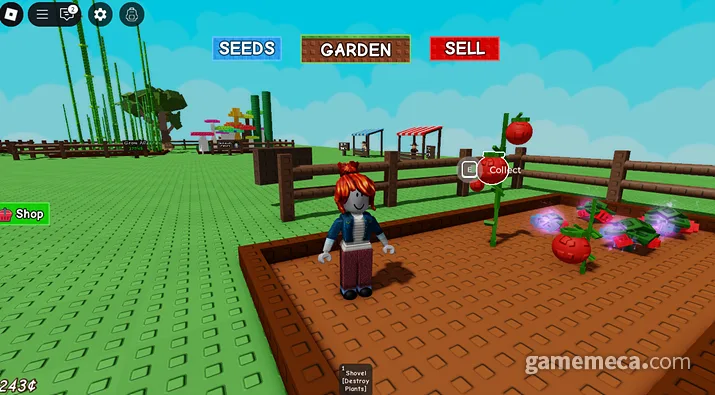
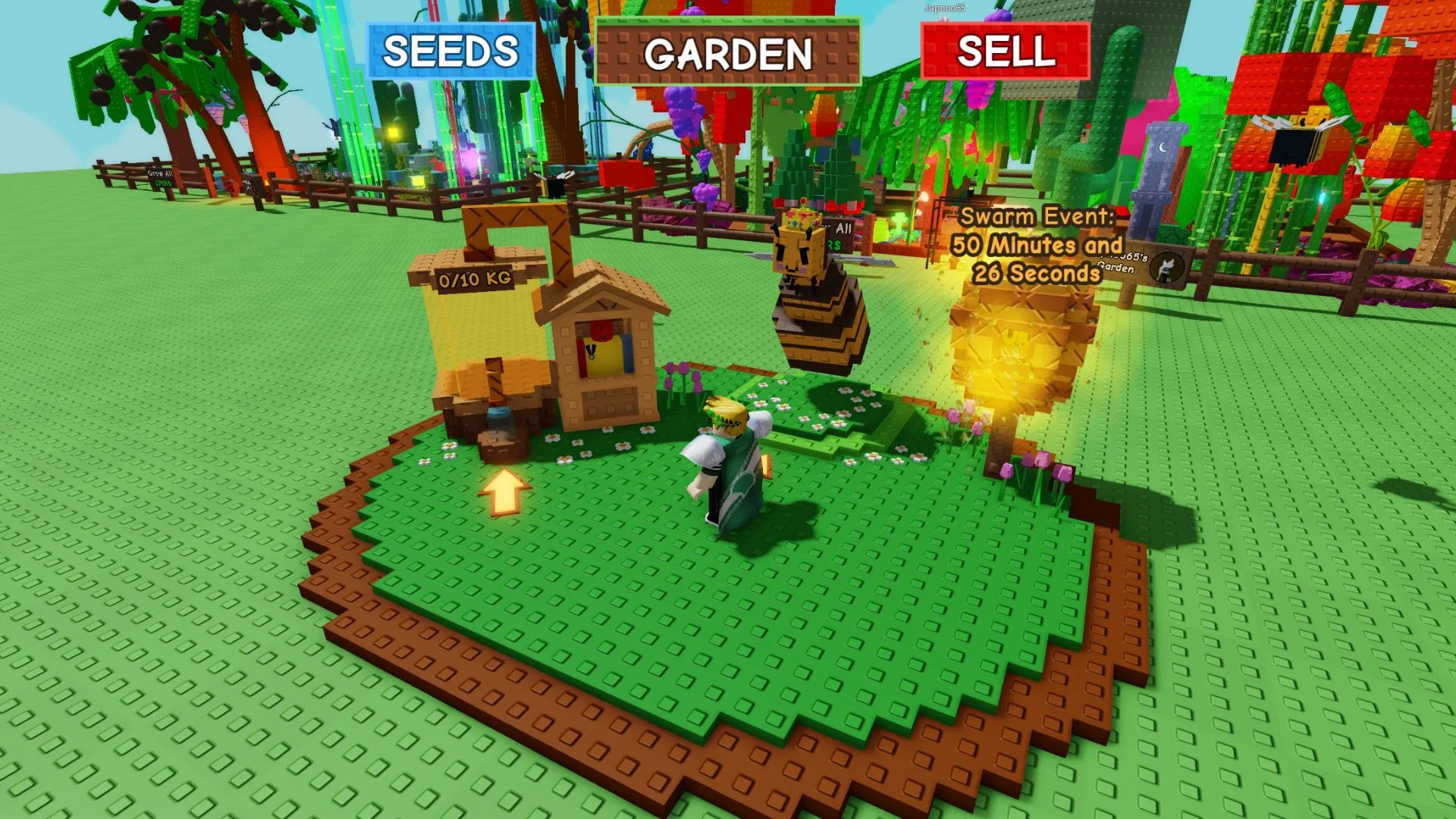
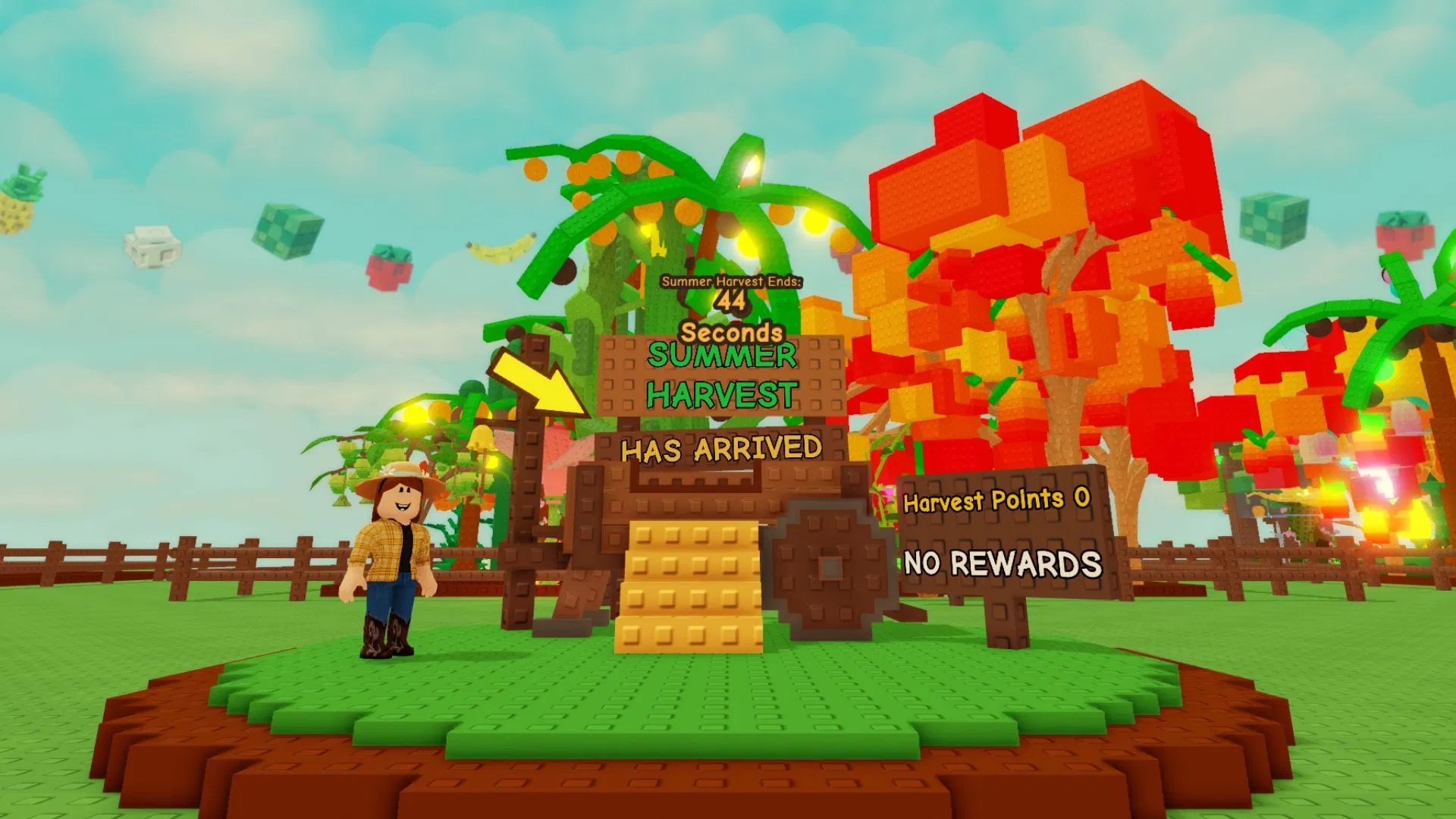
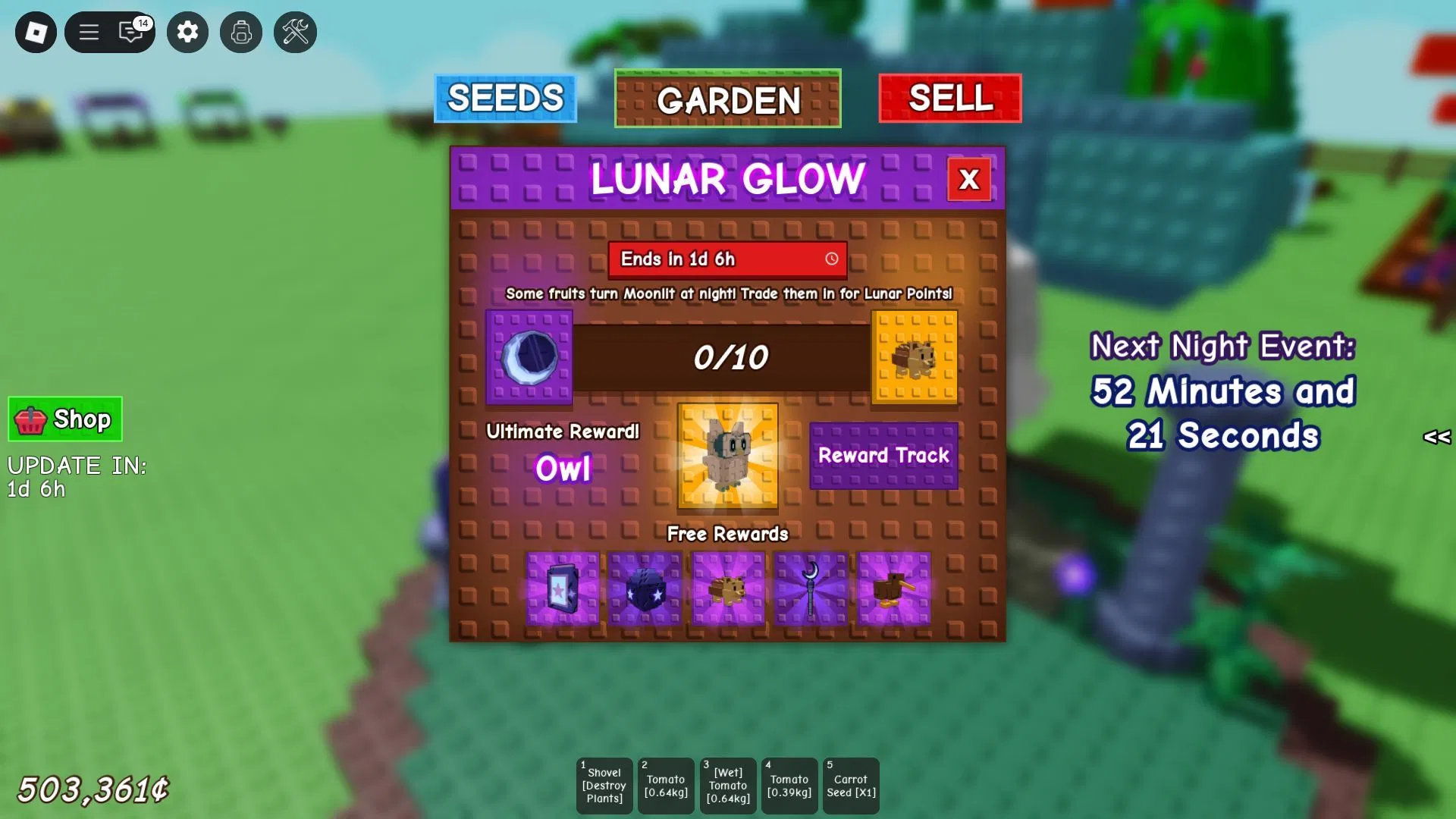
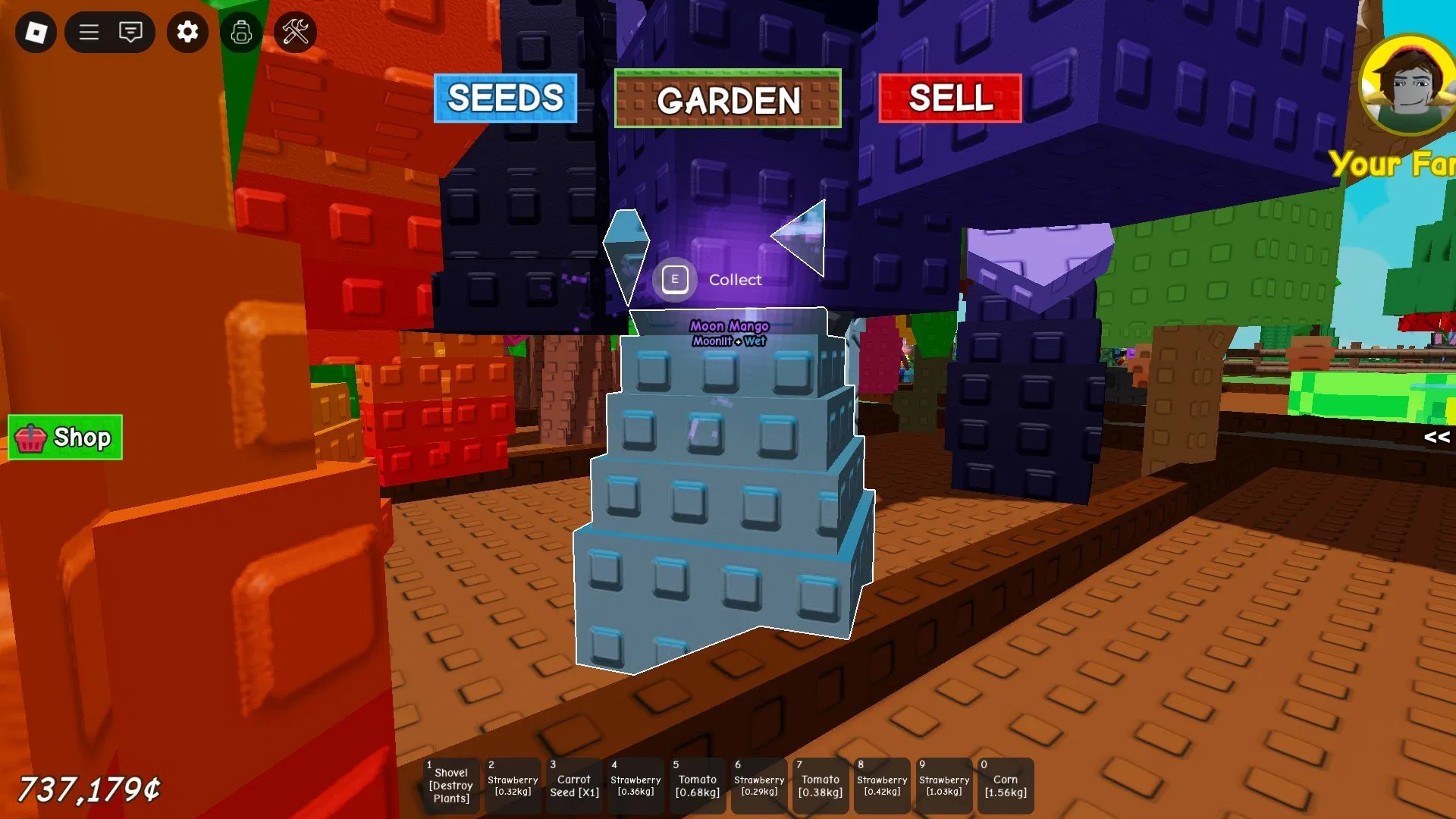
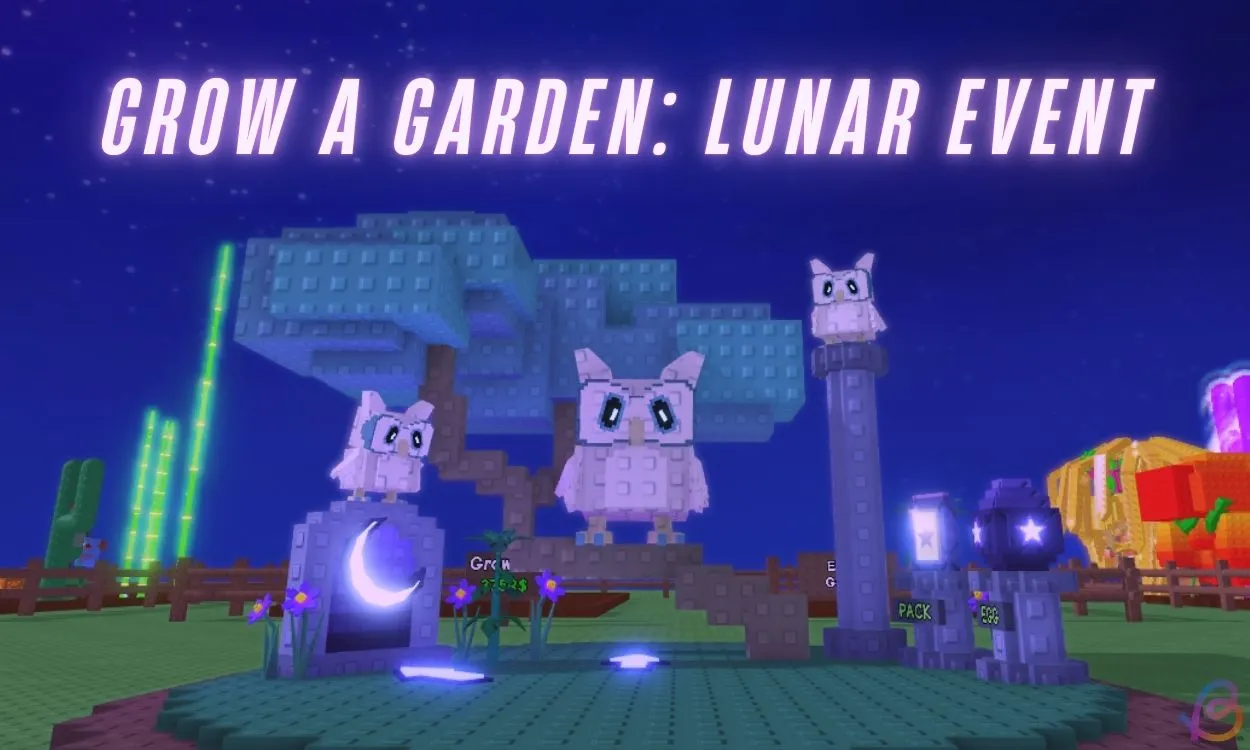
Official footage and screenshots from Grow a Garden's current version are below.
Grow a Garden Codes FAQ
Common questions about redeeming Grow a Garden codes.
Code data and redemption details are verified against these official and trusted sources.